
Kling vs Veo vs Sora: Which AI Video Model Should You Use?
Real costs and capabilities compared: Kling V3.0 starts at $0.084/sec, Veo 3.1 does native 4K, and Sora is being retired. Which one fits your project?
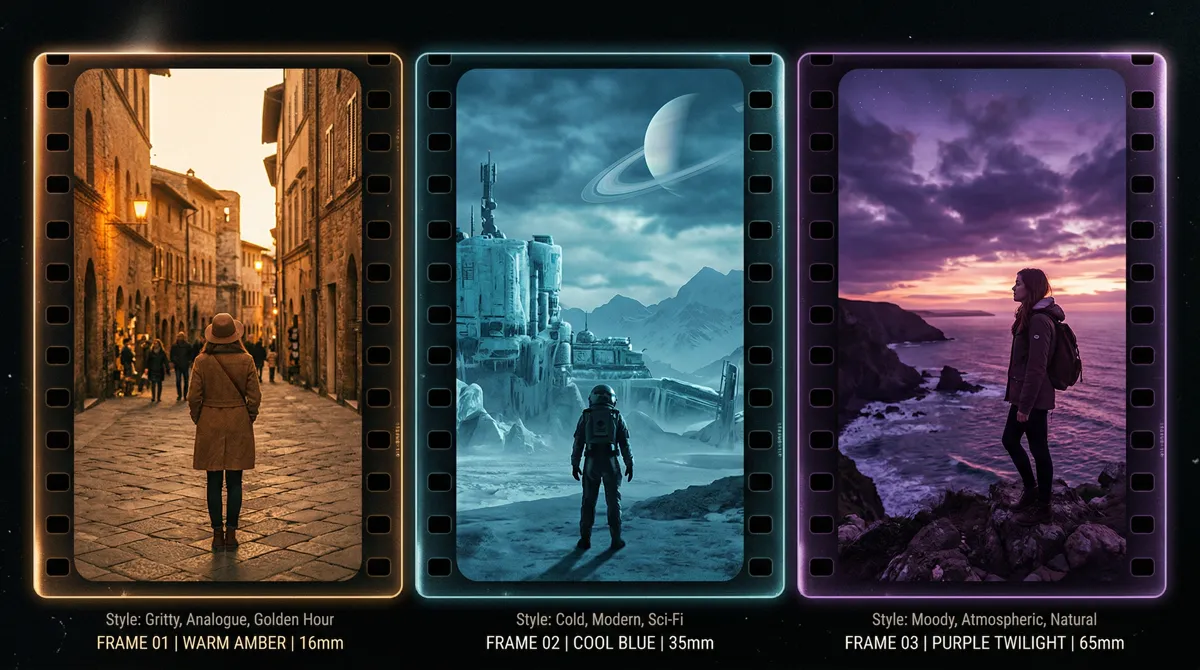
There's no single best AI video model in 2026. Kling V3.0 gives you the most control and the lowest per-second cost. Veo 3.1 has native 4K and built-in audio. And Sora, while capable, is being retired: OpenAI closed the app on April 26, 2026 and the API ends on September 24, 2026.
The right answer for most projects: use more than one model. Pick whichever one fits each shot.
Here's how they compare on cost, features, and practical use cases.
How Much Does Each Model Actually Cost?
Kling starts at $0.084/second, Veo starts at $0.10/second, and Sora is on its way out: the consumer product closed in April 2026 and the API is scheduled to stop on September 24, 2026.
Cost Estimator
Here are the per-second published API rates:
| Model | Per Second (no audio) | Per Second (with audio) | 5s Clip | 8s Clip |
|---|---|---|---|---|
| Kling V3.0 Standard | $0.084 | $0.126 | $0.42 / $0.63 | $0.67 / $1.01 |
| Kling V3.0 Pro | $0.112 | $0.168 | $0.56 / $0.84 | $0.90 / $1.34 |
| Veo 3.1 Fast (1080p) | $0.10 | $0.15 | $0.50 / $0.75 | $0.80 / $1.20 |
| Veo 3.1 Standard (1080p) | $0.20 | $0.40 | $1.00 / $2.00 | $1.60 / $3.20 |
| Veo 3.1 Standard (4K) | $0.40 | $0.60 | $2.00 / $3.00 | $3.20 / $4.80 |
| Sora | Retired | Retired | API ends 2026-09-24 | — |
The two numbers in the clip columns are no-audio / with-audio costs. Most people want audio, so plan for the higher number.
50 five-second Kling Standard clips with audio = $31.50/month in API fees. On Higgsfield, the plan that covers it starts at $19/month (270 credits) and the credits expire every month; the low tiers have excluded Kling before, so check the current plan page.
Sora has no future price to compare. OpenAI is retiring it, and anything built on it needs a replacement before the API stops on September 24, 2026.

What Can Kling V3.0 Do That Other Models Can't?
Kling is the most feature-rich model of the three. It gives you more control over what you get than anything else available.
15-second generations. Kling generates clips up to 15 seconds long. Veo maxes out at 8 seconds. If your shot needs room to develop (a music video chorus, a product in motion, a dialogue exchange), Kling is the only model that doesn't force you to stitch multiple clips together.
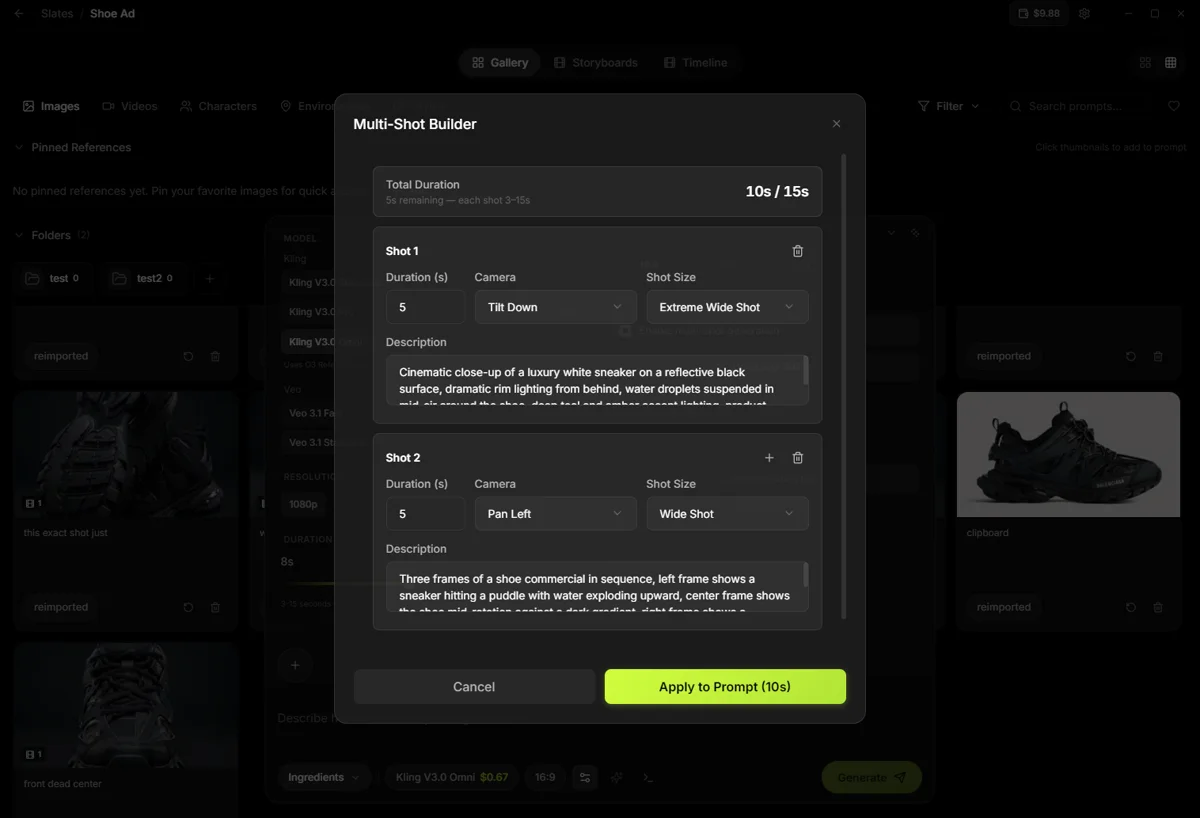
Multi-shot AI Director. Generate up to 6 camera cuts in a single generation. Define a scene, set the cuts, and get a multi-angle sequence from one prompt. No other model does this. For anyone editing together multiple angles of the same scene, this saves hours of back-and-forth generation.
6-axis camera controls. Pan, tilt, zoom, roll, horizontal, and vertical movement. You tell the camera exactly where to go. Veo and Sora only accept text descriptions of camera movement, and they interpret those descriptions however they want. Sometimes that's fine. Sometimes you need the camera to do a specific thing, and text descriptions don't cut it.
Omni mode. Multi-character dialogue with distinct voices, plus music co-generation. Three or more speakers in one clip, each with a different voice. If you're building narrative content with speaking characters, Kling is the only model that handles this natively.
Where Kling falls short: 4K costs a lot more than 1080p, so it's a hero-shot resolution rather than a default. And with 4 reference images, it gives you less room for visual consistency than a model built around reference sets.
Best for: Budget work, long clips, multi-shot sequences, dialogue scenes, music videos, and any project where you need precise camera control.
What Does Veo 3.1 Offer That Kling Doesn't?
Veo's biggest advantages are affordable native 4K, built-in audio generation, and a two-tier pricing system that lets you choose speed vs cost.
Native 4K generation. 3840x2160, no upscale step. Kling reaches 4K too, but at $0.42/second it is five times its own 1080p rate, and Sora 2 Pro topped out at 1080p. Veo Standard 4K is $0.40/second without audio, which makes Veo the cheaper seat when the whole deliverable has to be 4K rather than one hero shot.
Native audio generation. Veo generates matching audio with the video automatically. Dialogue, ambient sound, sound effects. No separate audio step needed. For projects where you don't have your own audio track, this saves an entire production step.
Fast vs Standard tiers. Veo 3.1 Fast is cheaper and faster. Standard is higher quality but 2-4x more expensive. For social content and quick iterations, Fast works well at $0.10-$0.15/second. Standard at $0.20-$0.60/second is there when you need the extra quality.
Reference images. Send up to 3 reference images for visual consistency across shots. Kling takes 4, so the count is not the difference; Veo's advantage is that reference conditioning and native audio come from the same generation.
Where Veo falls short: 8-second maximum per generation. No camera controls beyond text descriptions. No multi-shot generation. No Omni-style dialogue mode. And the high end gets expensive. A single 8-second Standard 4K clip with audio costs $4.80.
Best for: 4K delivery, projects where native audio saves a step, multi-shot visual consistency via reference images, and anyone who needs the Fast/Standard tier flexibility.

Is Sora Still Worth Considering?
No. Sora is a capable model with good visual quality and strong prompt understanding, and OpenAI is retiring it: the Sora app and web experience closed on April 26, 2026, ChatGPT Plus and Pro no longer include it, and the Sora 2 API is scheduled for removal on September 24, 2026.
Until that date the developer API still answers, at $0.10 per second for Sora 2 and $0.30 to $0.70 per second for Sora 2 Pro. There was never a desktop app integration, a timeline, a storyboard, or an export to DaVinci or Premiere, and now there is a hard stop.
If you have Sora clips in a pipeline, export what you need before the end of September 2026 and move the shot to a model that is shipping.
A deadline. The app is gone, the subscriptions no longer carry it, and the API is scheduled to stop on September 24, 2026. Any per-clip math against its rates is math about a product that stops answering.
For a one-off before the shutdown, the API works. But building a production workflow around it? You can't control costs, you can't switch models when another one would serve a shot better, and you're generating through a chat interface instead of a proper creative tool.
Best for: Nothing new. It is being retired.
Which Model Should You Use for Music Videos?
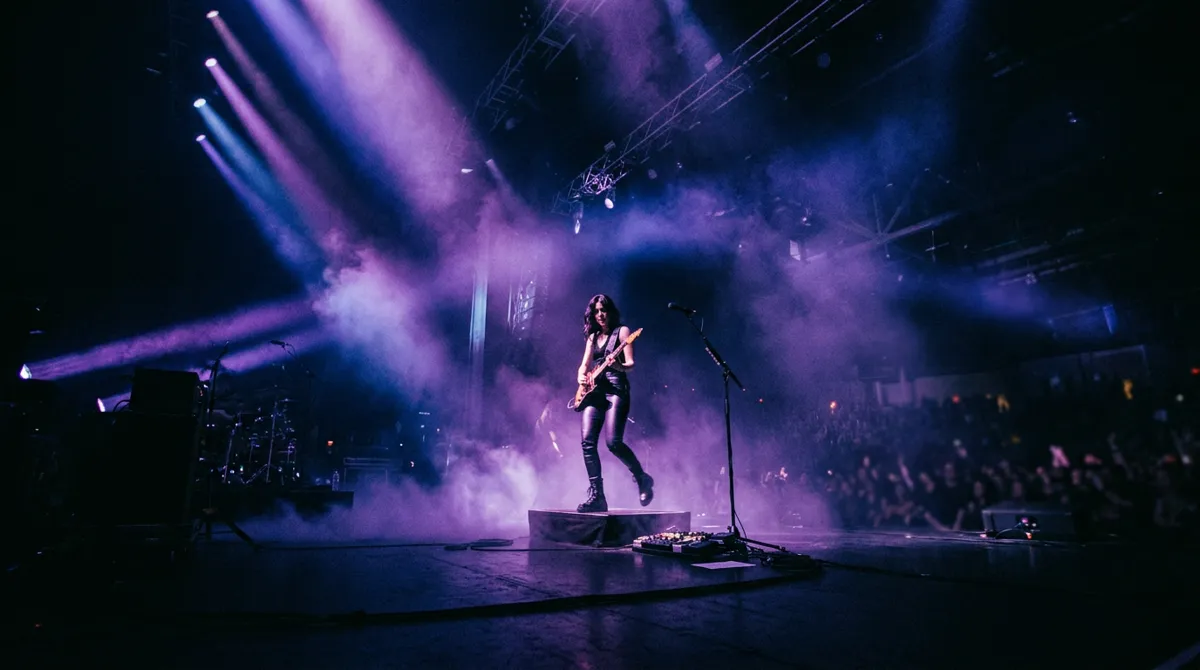
Kling for most shots. Music videos need longer clips, controlled camera movement, and volume. You're generating dozens of shots, not one or two.
Kling's 15-second generations and 6-axis camera controls let you build flowing shots that match the rhythm. The multi-shot AI Director is built for verse/chorus transitions and performance angle cuts. And since you're using your own music track (not AI-generated audio), you generate without audio and save about 33% per clip.
A practical music video workflow:
- ›Bulk generation with Kling Standard for most shots. At $0.084/s without audio, a 10-second clip costs $0.84. Generate 30 clips and you've spent $25.20.
- ›Kling Pro for key moments where you want specific camera choreography. $0.112/s without audio for the shots that matter.
- ›Veo for 4K or reference-consistent shots. If you need specific shots at 4K or want to use reference images for visual consistency, Veo fills those gaps. One or two 8-second generations at $1.60 per clip (no audio, Standard 1080p).
Total cost for a 2-minute music video: $30-60 in API fees. No subscription, no expiring credits, no tier restrictions on which models you can use.
For a deeper breakdown of subscription vs pay-per-use math, see the pricing article.
Which Model Works Best for Social Media Ads?
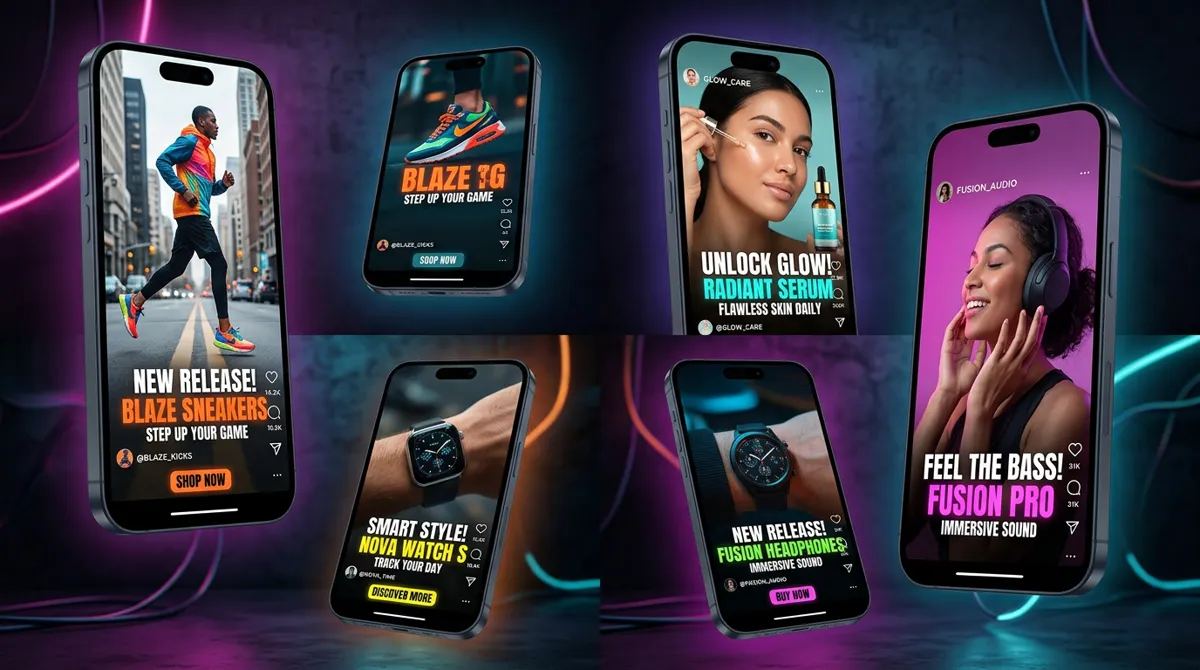
For ads, speed and volume beat perfection. You need to test multiple hooks, multiple visuals, multiple angles. The winning ad is rarely the first one you make. It's the fifth or tenth variation.
Kling Standard is the workhorse. At $0.084/s without audio, you can generate 20+ variations of a 5-second clip for under $10. That's enough to run a proper creative testing cycle where you're actually learning what works.
Veo Fast for 4K or audio-included versions. If you need 4K output or want built-in audio without a separate production step, Veo Fast at $0.10-$0.15/s for 1080p fills that gap. Fast enough to iterate, still affordable at volume.
Skip Sora for ads. It is being retired, and it never let you generate at volume, predict costs, or quickly test 15 variations of the same concept.
Which Model Should You Pick for Client Work?
It depends on what the client needs. If they need 4K deliverables (which more clients are requesting), Veo is the only model that generates at that resolution. If they need camera-controlled shots, dialogue scenes, or clips longer than 8 seconds, Kling is the only option.
For most client projects, you'll use both. Kling for shots that need its unique features (camera control, long clips, multi-shot, dialogue). Veo for 4K delivery or when you want reference-image consistency across a sequence.
The per-clip cost is higher on Veo, but you're billing for it. $3.20 for an 8-second Standard 1080p clip or $4.80 for 4K is a line item on an invoice.
For pre-production and drafts, use Kling Standard. Generate cheap options to show the client, get approval on the direction, then decide which model fits the final render based on what the shot actually needs.
Can You Use Multiple Models in One Project?
Yes. And for most serious projects, you should. No single model is best for every shot. The practical approach in 2026 is to pick the right model per shot:
- ›Kling for bulk generation, long clips, dialogue, camera-controlled shots, and multi-shot sequences
- ›Veo for 4K delivery, reference-image consistency, and native audio
- ›Sora for nothing new: the API stops on September 24, 2026
Multi-model tools exist specifically for this. Instead of managing accounts on three different platforms, you use one app that connects to multiple models. Pick the model per generation. One project, one timeline, one export.
Slates works this way. Veo 3.1 and Kling V3.0 are both available in the same interface. Switch models per shot. Every generation runs on Slates Credits, which are pay-as-you-go and never expire. No subscription. Just a $149 one-time purchase that comes with 1,000 credits.
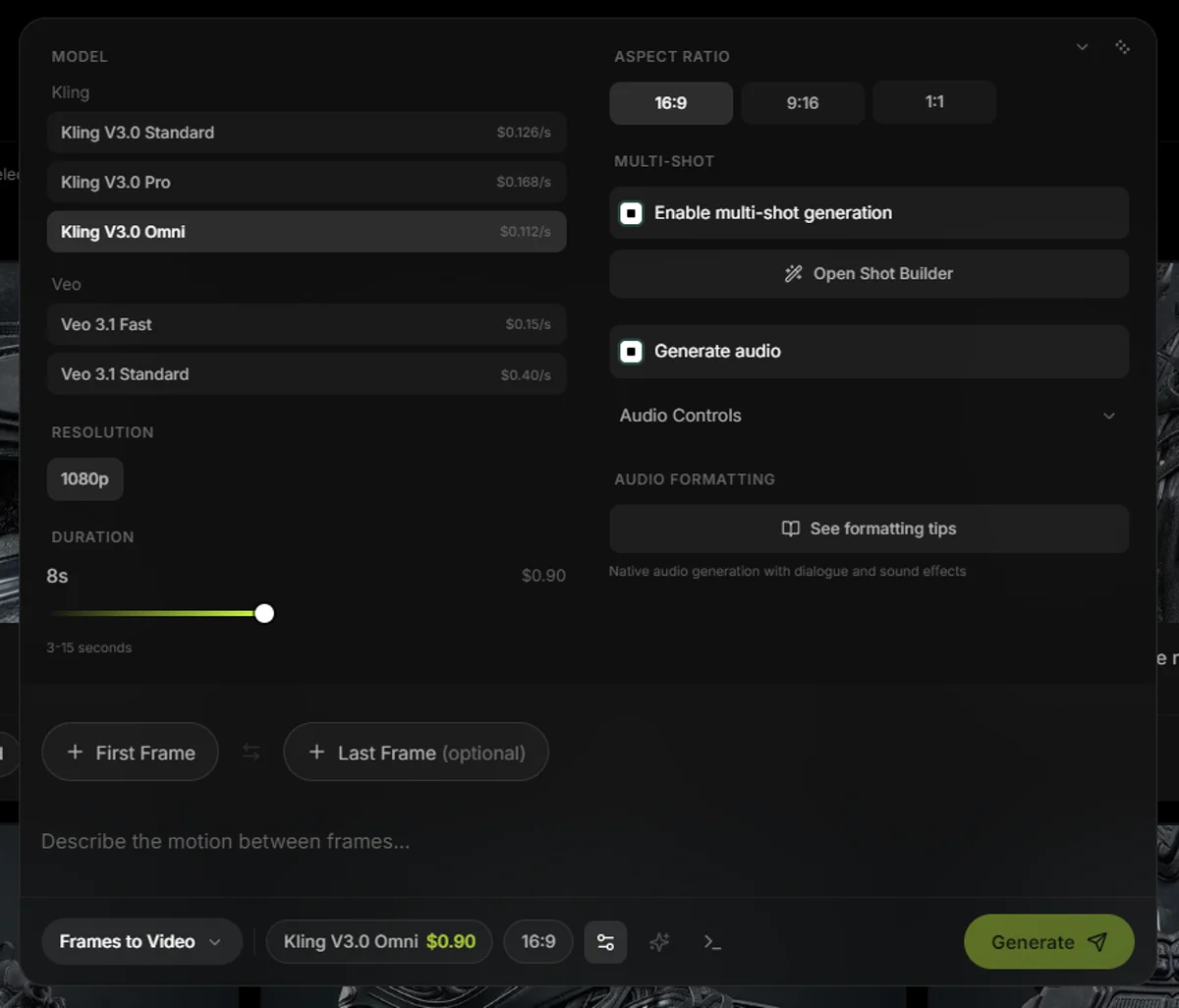
Head-to-head comparison
| Feature | Kling V3.0 | Veo 3.1 | Sora |
|---|---|---|---|
| Max resolution | 4K (1080p is the everyday tier) | 4K (3840x2160) | 1080p |
| Max clip length | 15 seconds | 8 seconds | ~20 seconds |
| Camera controls | 6-axis (pan, tilt, zoom, roll, H, V) | Text description only | Text description only |
| Multi-shot generation | Up to 6 cuts | No | No |
| Multi-character dialogue | Yes (Omni mode) | No | No |
| Native audio | Yes | Yes | Limited |
| 4K output | Yes, at $0.42/s | Yes, from $0.30/s | No |
| Reference images | Up to 4 | Up to 3 | No |
| Cheapest rate (no audio) | $0.084/s (Standard) | $0.10/s (Fast) | N/A |
| Cheapest rate (with audio) | $0.126/s (Standard) | $0.15/s (Fast) | N/A |
| 8s clip cost (with audio) | $1.01 (Standard) | $1.20 (Fast 1080p) | Included in $200/mo |
| Access model | Standard video API | Standard video API | Retired (API ends 2026-09-24) |
Frequently Asked Questions
Kling V3.0 Standard. It's the cheapest per generation at $0.084/second, gives you the longest clips at 15 seconds, and has the most controllable camera system. Start there, learn what prompts produce good results, and add Veo when you need 4K output or reference-image consistency.
Yes. Both models output standard MP4 video files. You can edit Kling clips and Veo clips together in DaVinci Resolve, Premiere, CapCut, or any editor. Tools like Slates let you generate from both models in the same project and export everything from one timeline.
Sora is no longer for sale. OpenAI closed the Sora app on April 26, 2026, ChatGPT Plus and Pro no longer include it, and the Sora 2 API is scheduled for removal on September 24, 2026. The comparison that survives is per-second API access for Kling ($0.084/s) or Veo ($0.10/s).
No. If you're adding your own music, voiceover, or sound design in post-production, generate without audio and save 33-50% per clip. Audio pricing is for cases where you want the model to create sound effects, ambient noise, or dialogue with the video. For music videos where you're layering your own track, always generate without audio.
Kling V3.0. It's the only model with 6-axis camera controls, multi-shot generation (up to 6 cuts), Omni mode for multi-character dialogue, and 15-second clip length. Veo's advantages are different: cheaper native 4K and built-in audio generation from the same pass. They're strong in different areas, which is why using both in the same project makes sense.